How We Built an Interactive Humanoid Robot Website (4 min read)
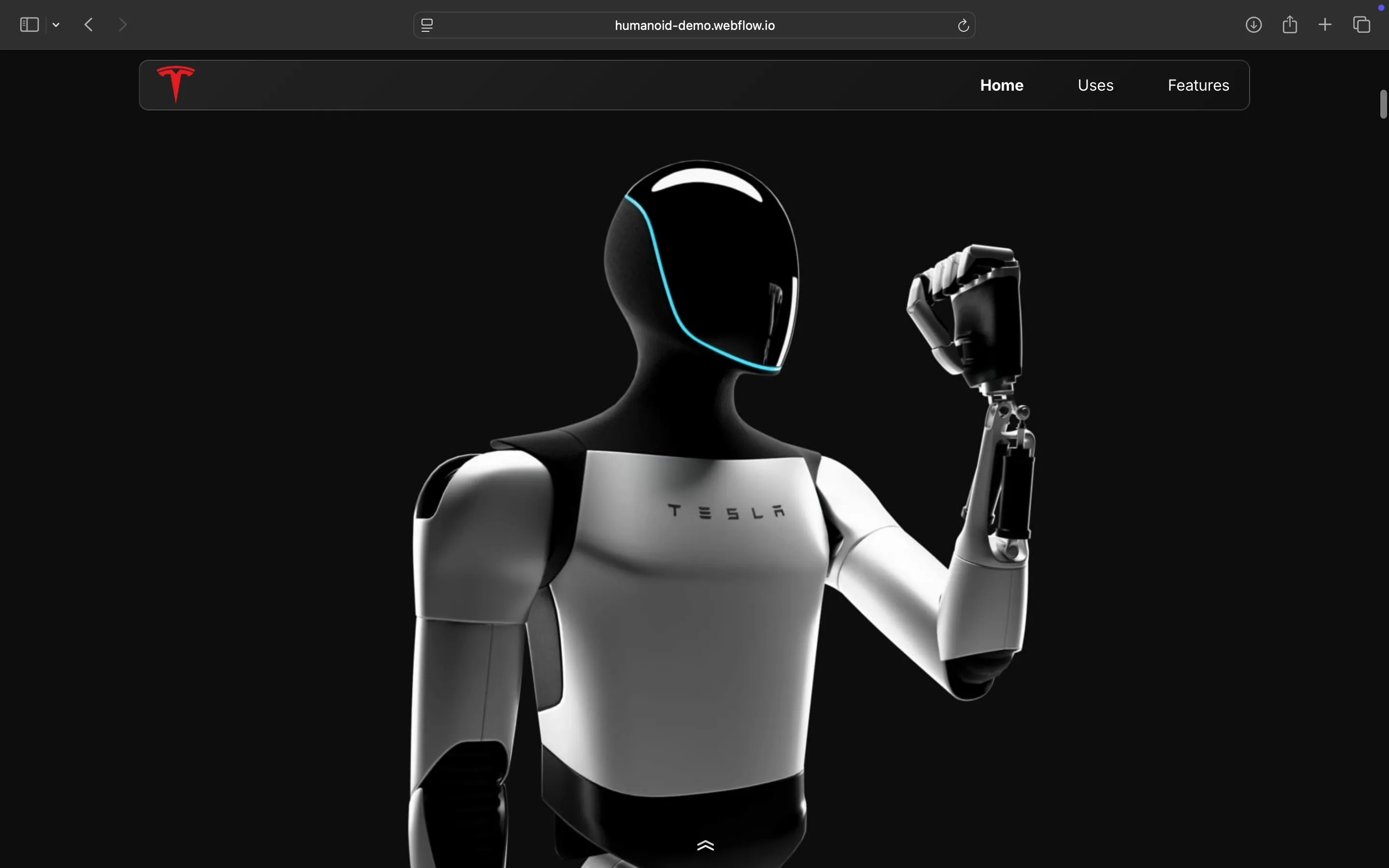
When we started building the humanoid demo, the goal was not to “make a website.” It was to simulate the feeling of interacting with a machine in a digital environment.
The result is a cinematic, scroll-driven experience that showcases a humanoid robot not as a product, but as a system in motion. Built entirely in Webflow, the site blends animation, storytelling, and engineering clarity into one continuous flow.
1. Starting With the Right Constraint: Story Over Sections
Most websites begin with a sitemap.
This one began with a question:
How would you demonstrate a humanoid robot without a physical demo?
That immediately ruled out traditional layouts. No long feature lists. No static grids.
Instead, we structured the experience as a linear narrative:
Introduction focused on presence and scale
Capabilities like motion and articulation
Engineering highlights such as degrees of freedom
A closing moment that reinforces future vision
This mirrors how robotics demos happen in real life. Guided, intentional, and sequential.
2. Designing Motion Before Visuals
In robotics, motion is the product.
So instead of designing static screens first, we mapped:
Entry motion
Idle states
Transition behavior
Continuity between sections
Only after defining motion did we design visuals around it.
This is why every scroll feels connected. The experience behaves like a timeline, not a collection of pages.
3. Building a Scroll-Based Animation System
At the core of the site is a scroll-synced animation system.
Using Webflow interactions, we:
Linked scroll progress to animation timelines
Controlled easing to mimic mechanical movement
Synced multiple layers such as camera, robot, and overlays
The challenge was not creating animations. It was maintaining coherence across the entire experience.
We approached this by:
Treating the page as one continuous scene
Avoiding isolated triggers for each section
Keeping motion curves consistent throughout

4. Creating Mechanical Realism in a Digital Medium
A humanoid robot is not just a visual object. It is a system of constraints.
To communicate that, we focused on:
Precision-driven movement instead of exaggerated easing
Slight delays between joints to simulate actuation
Consistent motion logic across all sections
Every animation decision came down to one filter:
Would this feel physically plausible?
That distinction separates something that looks impressive from something that feels engineered.
5. Balancing Cinematic Experience With Performance
High fidelity animation often conflicts with performance.
So we made deliberate trade-offs:
Reduced the number of simultaneous animations
Reused motion patterns where possible
Optimized assets for faster loading
The goal was simple.
Make it feel like a heavy machine while running like a lightweight website.
6. Why We Chose Webflow
We built this entirely in Webflow for three reasons:
Visual control over interactions
We could iterate on motion directly without relying on custom JavaScript loopsSpeed of iteration
Experimental interfaces require fast decision makingProduction-ready output
The final build does not need to be rebuilt by developers
Webflow allowed layout, animation, and deployment to exist in one system.
7. The Real Outcome: A New Way to Demo Robotics
This project was not about building a website. It was about replacing physical demos with digital experiences.
For robotics companies, this unlocks:
The ability to demonstrate products without factory visits
Complete control over how the story is told
Global scalability of demos
Final Thought
Most websites describe products.
This one demonstrates behavior.
That is the shift.
From static information to interactive understanding.
For complex systems like humanoid robots, that is the format that actually works.
If you are building something complex, especially in robotics, the question is not how to show it.
It is:
How do you make someone feel like they have experienced it?